paylinkId. They’re ideal for mobile-first flows, QR codes, deep linking, embedded pay buttons, and custom e-commerce integrations.
Using the API to create charges you can:
- Dynamically set the price of each checkout using the
requestAmountparameter. - Pass through custom metadata with additionalJSON in the
customerDetailsobject. - Trigger a card-only payment flow by appending
?cardonly=trueto the charge URL.
Using additionalJSON in Your Request:
You can use the additionalJSON field within the customerDetails object to include any extra information you’d like to pass along with your payment request. Example Request Body:Trigger Pay with Card via Charge
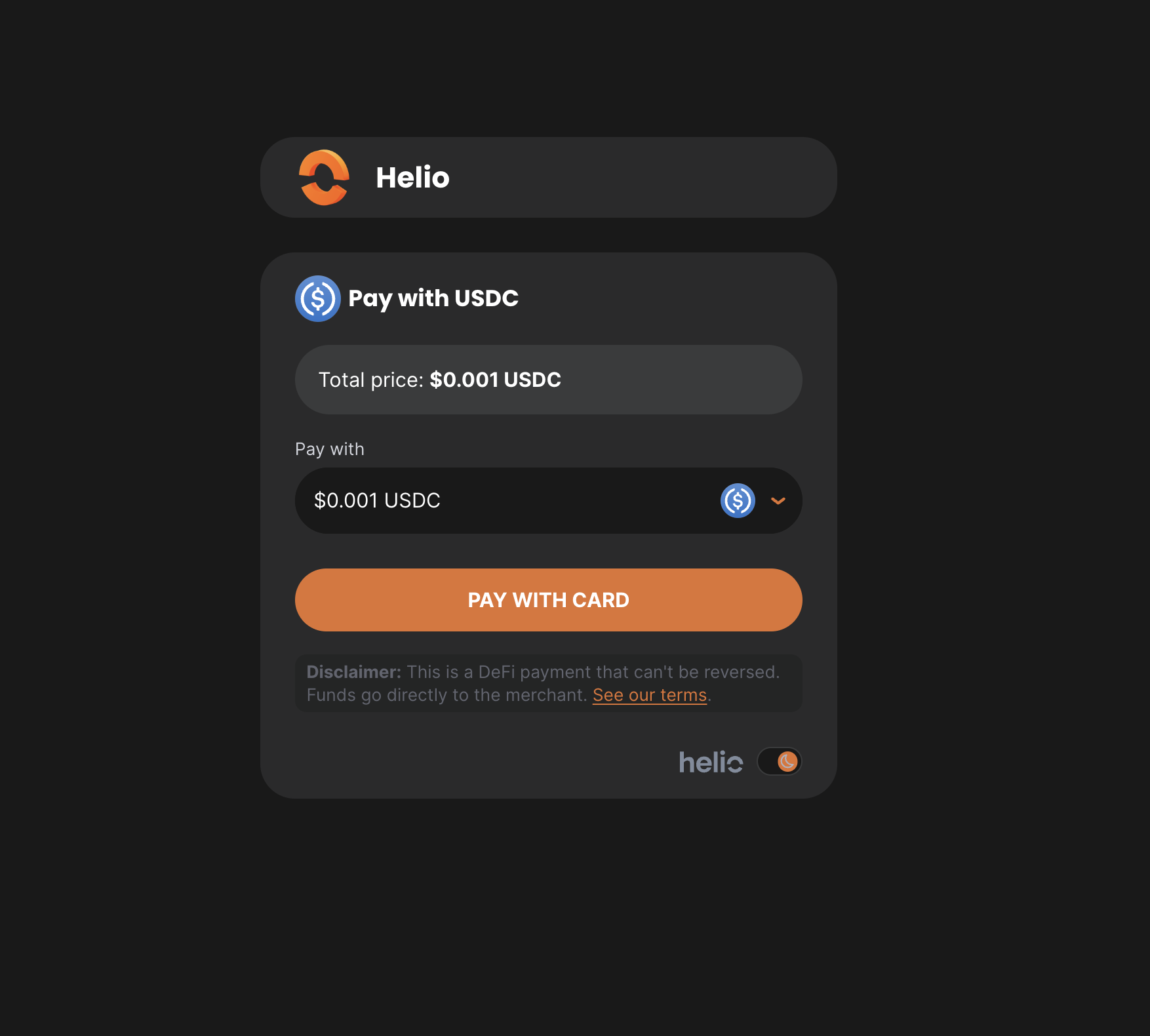
To trigger the Pay with Card flow directly from a charge page, simply append the query parameter?cardonly=true to the end of the charge URL.
This will automatically launch the card payment flow without requiring the user to connect a Web3 wallet, which is useful for streamlining checkout for non-crypto users, enabling faster payments, or setting card as the default in your payment flow.
Example: