
To get started with Webhooks, check out our API Reference for shared headers and authentication, and the webhook type pages linked from the Webhook overview.
Configuration
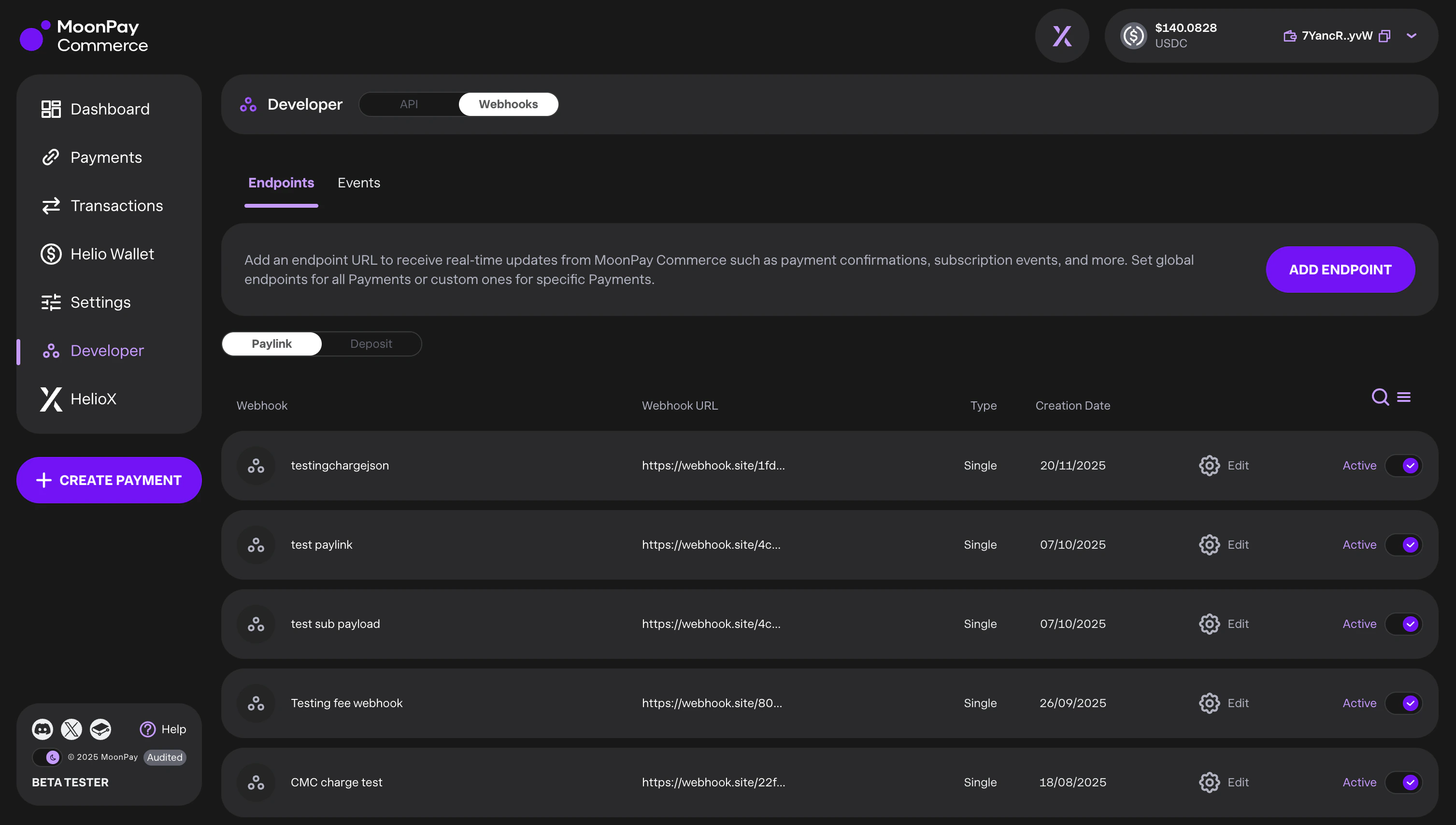
You can create and manage webhooks via the API or the Dashboard (Developers → Webhooks). We support two event types:depositId: Events related to customer deposits.paylinkId: Events related to specific checkout links.
Webhook Scope
For both event types, you can configure the scope of the notifications:- Global: Receive events for all IDs associated with your company account.
- Resource-Specific: Receive events only for a specifically defined
depositIdorpaylinkId.
Deposit-customer quota alerts
If you use deposit customers, a global deposit webhook (nodepositId) also receives company-level alerts when you approach your daily deposit-customer creation limit (DEPOSIT_CUSTOMER_QUOTA_WARNING, DEPOSIT_CUSTOMER_QUOTA_CRITICAL, DEPOSIT_CUSTOMER_QUOTA_REACHED). See Deposit-customer quota alerts for configuration, payloads, and delivery details.
Below-minimum deposit alerts
Deposit webhooks (global or deposit-scoped) can receiveDEPOSIT_BELOW_MINIMUM when a user has sent funds above the dust floor but still below the sweep minimum — useful for prompting top-ups before settlement. See Below-minimum deposit alerts for setup, payloads, and delivery rules.
Under-review deposit alerts
Deposit webhooks (global or deposit-scoped) can receiveDEPOSIT_UNDER_REVIEW when a deposit wallet is newly held for additional review, useful for notifying users that their funds are pending review. See Under-review deposit alerts for setup, payloads, and delivery rules.
Monitoring & Retries
The Dashboard provides full visibility into your webhook health:- Event Logs: View triggered events, delivery statuses, and timestamps.
- Retry Logic: We automatically attempt redelivery up to 12 times.
- Manual Replay: If the automatic retry limit is reached, you can manually trigger a replay from the event log.
Webhook Security
Every webhook request sent by MoonPay Commerce includes two layers of authentication:- Bearer Token — An
Authorization: Bearer <sharedToken>header that confirms the request originates from MoonPay Commerce. - HMAC Signature — An
X-Signatureheader containing an HMAC-SHA256 hex digest of the request body, keyed with the samesharedToken. This guarantees the payload has not been tampered with in transit.
The
sharedToken is generated when you create a webhook and is returned only once. Store it securely — you will need it to verify incoming webhook signatures. For the full list of headers included with each webhook delivery, see Webhook Request Headers.Verifying Webhook Signatures
When your server receives a webhook, you should verify theX-Signature header to confirm payload integrity. Here is how:
- Extract the
X-Signatureheader from the incoming HTTP request. - Read the raw request body as a string (before any JSON parsing that might reorder keys).
- Compute the HMAC-SHA256 digest of the raw body using your
sharedTokenas the key. - Compare your computed signature with the
X-Signaturevalue using a timing-safe comparison.